







Have you ever wondered how to change the environment name in the Power Platform? Follow the steps below to update the environment name.
-
- Log in to the Power Platform
- Then go to the Power Platform Admin Center
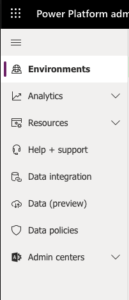
- Select Environments from the left navigation
-
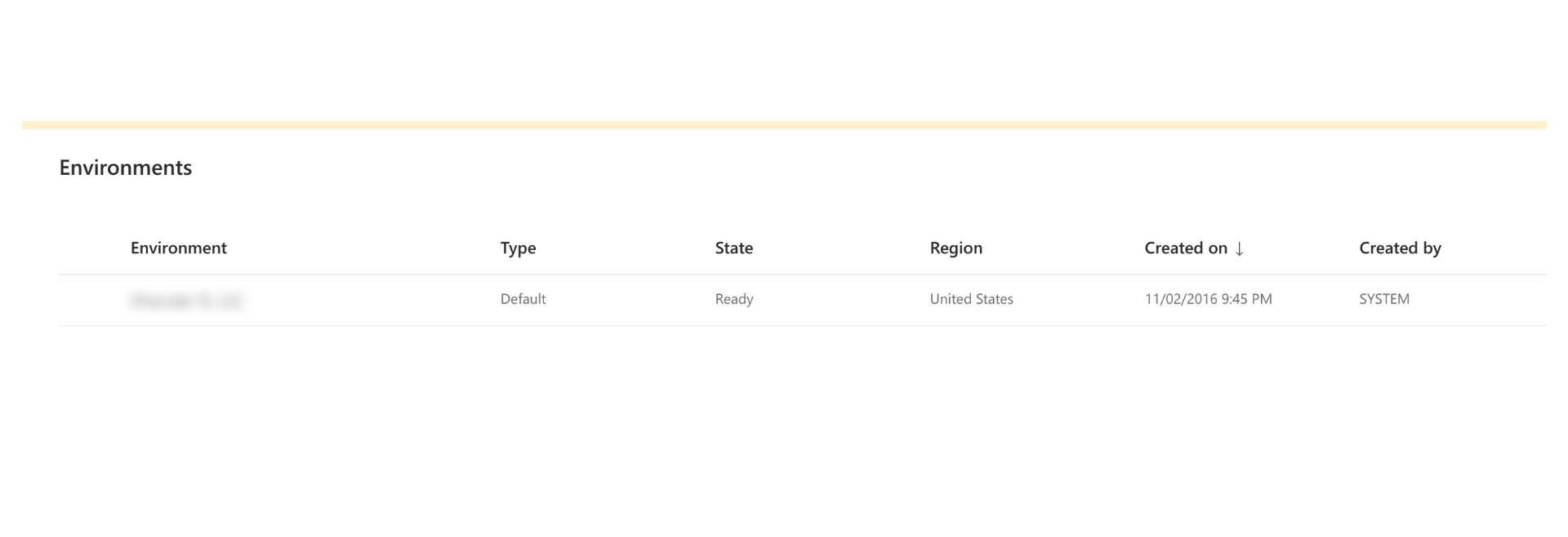
- Click on the environment that you would like to modify.
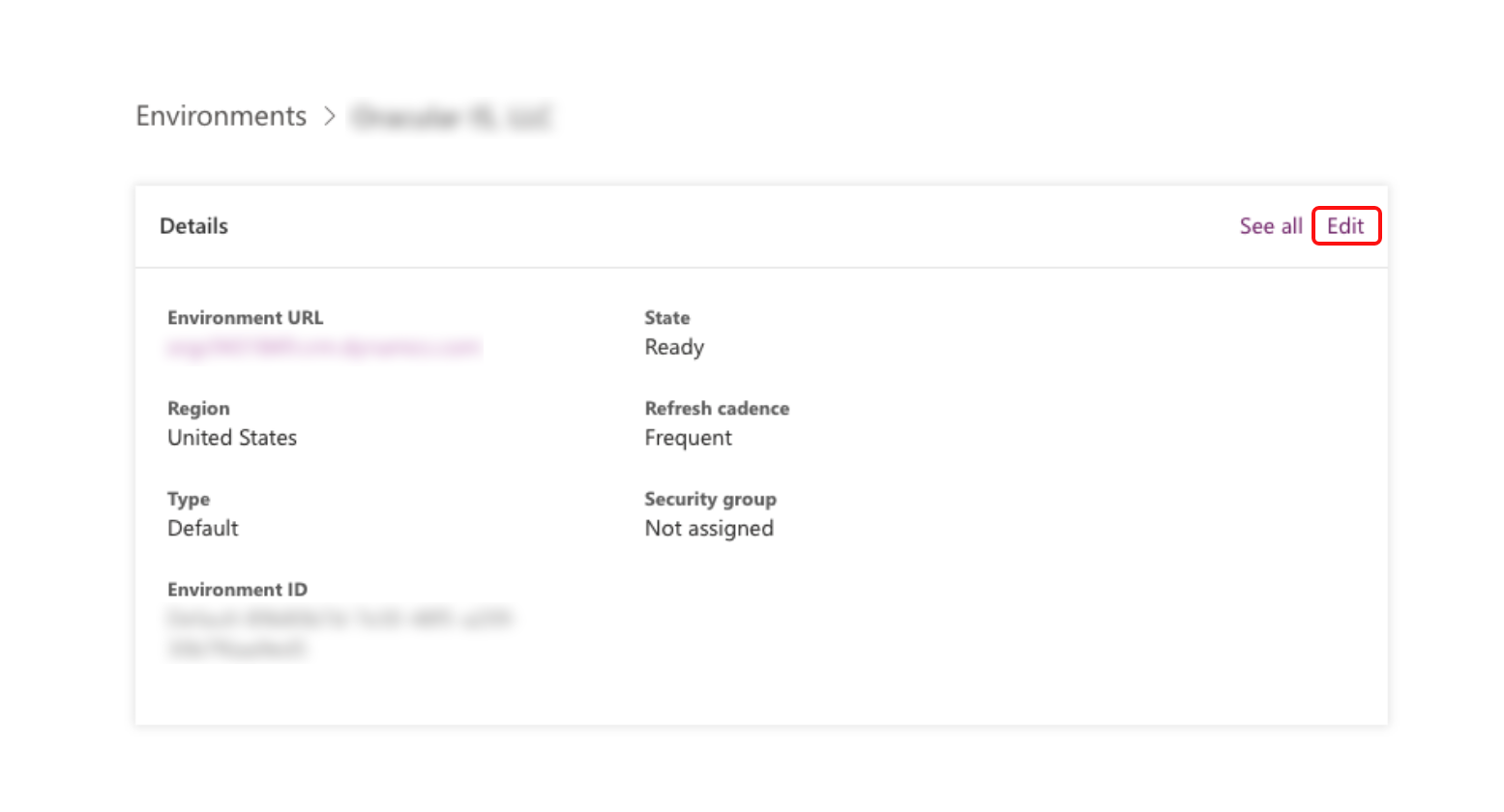
- Select Edit and change the name for the environment.
- Click on the environment that you would like to modify.
- Hit the Save Button.
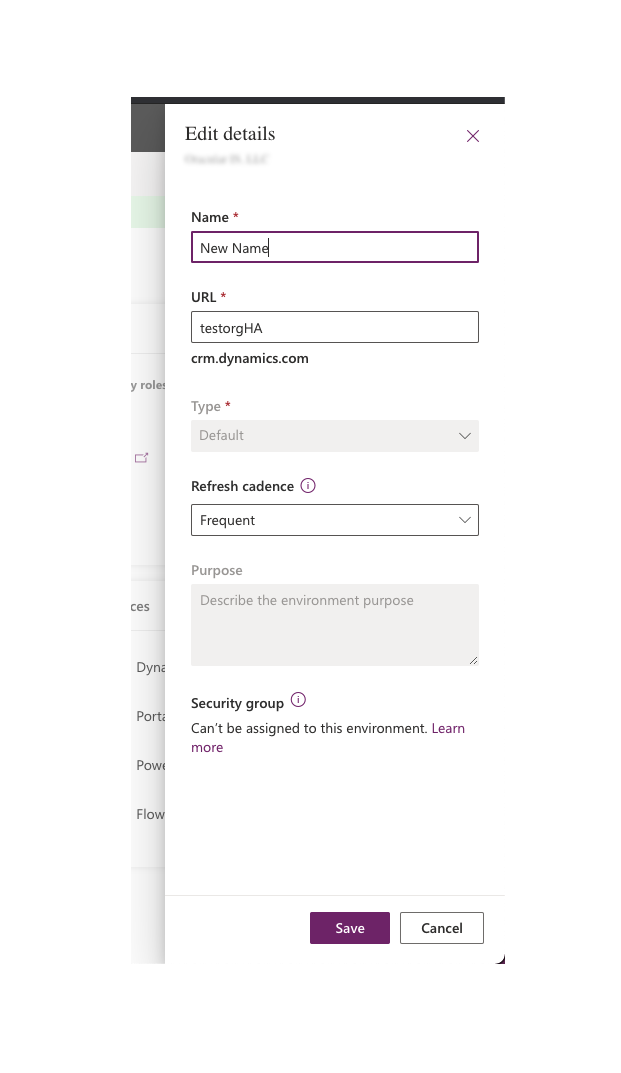 It is really that simple!
Originally Posted on: https://ahmadharis.github.io/2021-04-19-Power-Platform-Environment-Name-Change/